Lead Generation
How to Turn Website Visitors Into Leads With AI Video
Most website traffic leaves without converting. Here is a practical, step-by-step framework for using interactive AI video to engage visitors and capture more qualified leads — without adding headcount.
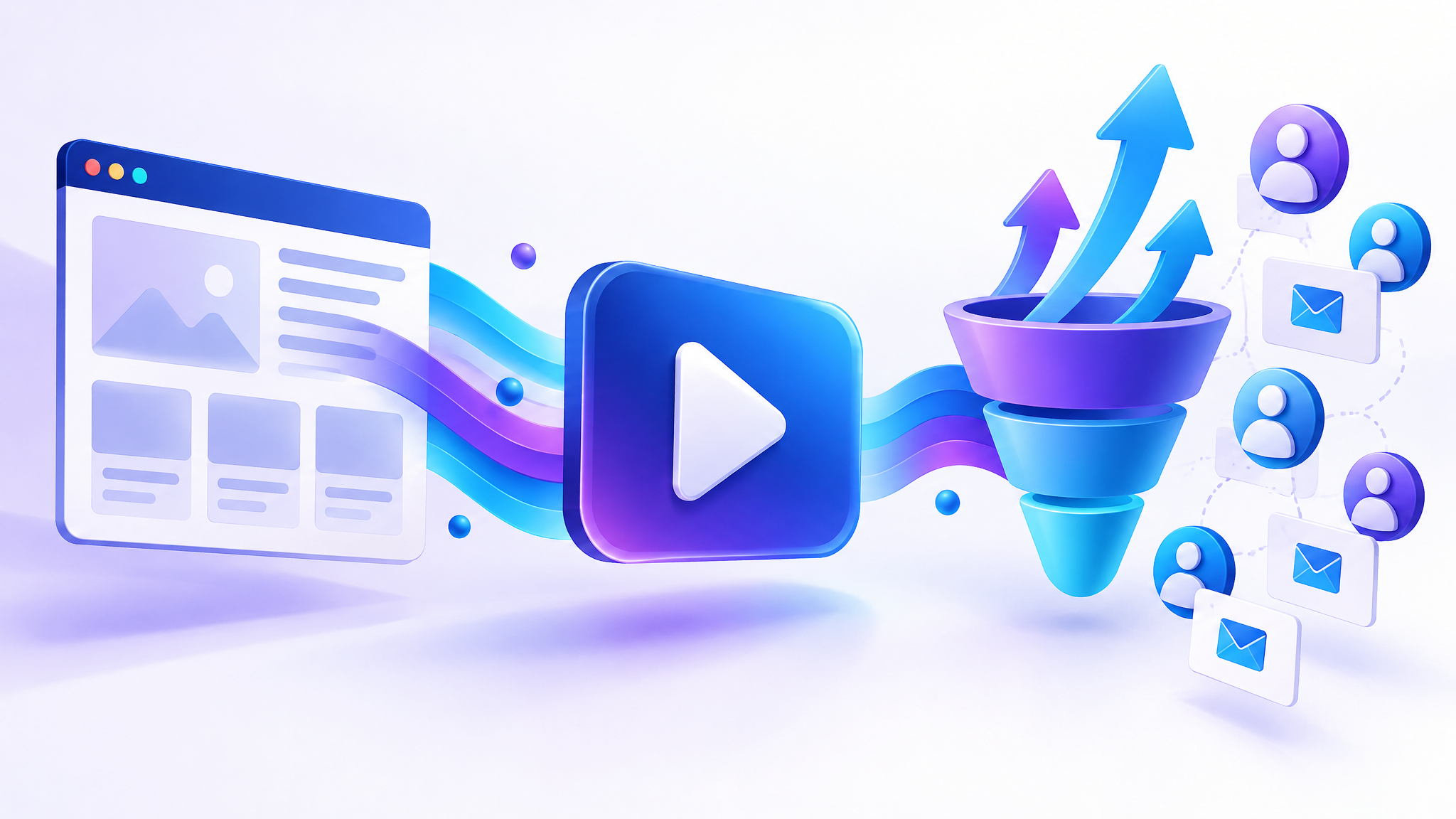
Here is an uncomfortable truth about most websites: the overwhelming majority of visitors arrive, scan a page or two, and leave without ever telling you who they are. You paid for that traffic — with ads, content, or time — yet it slips away anonymously. Video lead generation is how you close that gap, and interactive AI video makes it achievable for teams of any size.
In this guide you will learn exactly how to convert more of your existing website visitors into qualified leads using AI video, step by step.
Why static pages lose leads
A typical landing page asks a visitor to do a lot of work: read the copy, interpret the offer, figure out whether it applies to them, and then decide to fill in a form. Every one of those steps is a chance to drop off. Text does not adapt to the person reading it, it cannot answer a follow-up question, and it rarely creates the sense that a real conversation is happening.
Video changes the dynamic — but only if it is the right kind of video. A passive, one-way explainer that plays the same way for everyone is better than nothing, but it still does not react to the viewer. The breakthrough comes when the video is interactive and personalised.
What interactive AI video actually does
An interactive AI video experience greets each visitor with a real, on-screen AI presenter, understands what they care about, and guides them toward the next step. Instead of a wall of text, the visitor gets a guided conversation:
- A presenter introduces the offer in a warm, human way.
- The visitor chooses what matters to them — pricing, a specific use case, how it works.
- The video branches to answer that exact question.
- At the peak of interest, the visitor is invited to share their details.
Because the journey branches based on real choices, you also learn what each visitor actually wanted — priceless context for your sales team.
A step-by-step framework
1. Start with your highest-intent page
Do not try to video-enable your whole site at once. Pick the page where intent is highest — a pricing page, a product page, or a high-traffic landing page — and start there. This is where a small lift in conversion produces the biggest return.
2. Map the three questions every visitor has
For almost any offer, visitors silently ask: Is this for me? How does it work? What will it cost me (in money or effort)? Build your video flow so a visitor can self-select into the answer they need, rather than forcing everyone down one path.
3. Generate the video from the page itself
With videovAIb you paste the page URL, and the AI reads the content, understands the audience and goals, and generates a personalised presenter-led video. This removes the biggest blocker to video lead generation: production time. There is no studio, no script-writing marathon, and no editing backlog.
4. Add a branch for each buyer question
Use the visual flow builder to add branches for the questions you mapped in step two. Each branch is a short, focused answer. Keep momentum — the goal is to keep the visitor nodding along, not to deliver a lecture.
5. Capture the lead at the moment of peak interest
The best time to ask for contact details is right after you have delivered value and answered the visitor’s main question — not before they understand the offer. Place your lead capture after the relevant branch, and keep the form short: a name and one contact field converts far better than a ten-field form.
6. Personalise with the visitor’s name
Once a visitor shares their name, use it. A simple “Thanks, Priya!” makes the experience feel one-to-one and measurably lifts engagement and completion.
7. Deploy with a single tag and measure
Embed the experience on your page with one snippet, then watch the analytics: how many visitors started, which branches they chose, where they dropped, and how many converted. Use that data to tighten the flow every week.
How to measure video lead generation success
Track these four numbers:
- Start rate — the share of page visitors who begin the video.
- Completion / engagement — how far visitors get through the journey.
- Branch popularity — which questions matter most (feed this back into your messaging).
- Lead conversion rate — the share of viewers who share their details.
Optimising these in order usually produces the fastest gains: get more people to start, then keep them engaged, then convert.
Common mistakes to avoid
- Asking for the lead too early. Deliver value first.
- Making the video too long. Interactive beats lengthy — let the visitor pick the path.
- Using one generic video everywhere. Tailor the opening to the page and audience.
- Ignoring the data. The branch and drop-off data is a roadmap; use it.
Frequently asked questions
What is video lead generation?
Video lead generation is the practice of using video — especially interactive, personalised video — to engage website visitors and capture their contact details as qualified leads. Instead of relying on a static form, the video guides visitors to convert at the moment their interest peaks.
Do I need a video team or studio?
No. With an AI video platform like videovAIb you paste a webpage URL and the AI generates a presenter-led video automatically, so you do not need a studio, actors, or an editor.
Where should I place the video?
Start on your highest-intent page — pricing, product, or a key landing page — where converting a few more visitors has the biggest impact, then expand from there.
How quickly can I launch?
Because the video is generated from your page and embedded with a single tag, most teams can launch their first interactive video experience the same day.
Ready to convert more of your traffic? Paste a URL into videovAIb and build your first interactive AI video journey free — no credit card required.
Turn your website visitors into leads with AI video
Paste any webpage URL and videovAIb builds a personalised, interactive AI video journey that engages visitors and captures leads. Start free — no credit card required.
Try it freeKeep reading
Personalised Video at Scale: Using Visitor Names to Boost Conversions
Personalisation is the difference between a broadcast and a conversation. Learn how personalised video — starting with something as simple as the visitor’s name — lifts engagement and conversions, and how to do it at scale.
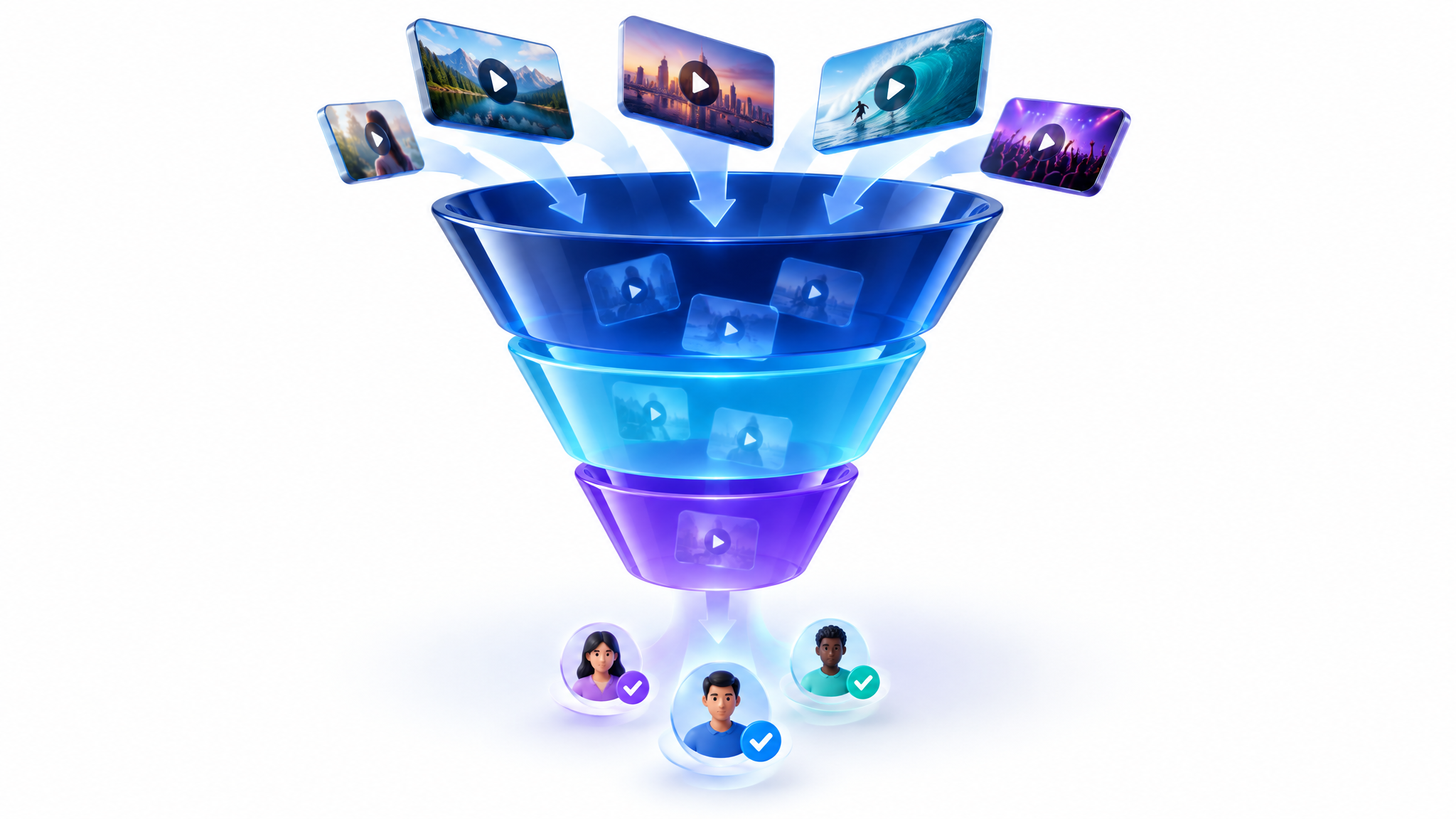
7 Video Funnel Ideas to Convert More Website Traffic
A video funnel guides visitors from first click to converted lead using the right video at each stage. Here are seven proven video funnel ideas you can build this week.

AI Avatar Videos: What They Are and How to Use Them for Marketing
AI avatar videos let you produce a realistic on-screen presenter without a camera, studio, or film crew. Here is how they work, when to use them, and how to keep them authentic.