Powerful Features, Simple Experience
Everything you need to turn static webpages into engaging, personalised video journeys that convert.
AI Page Analysis
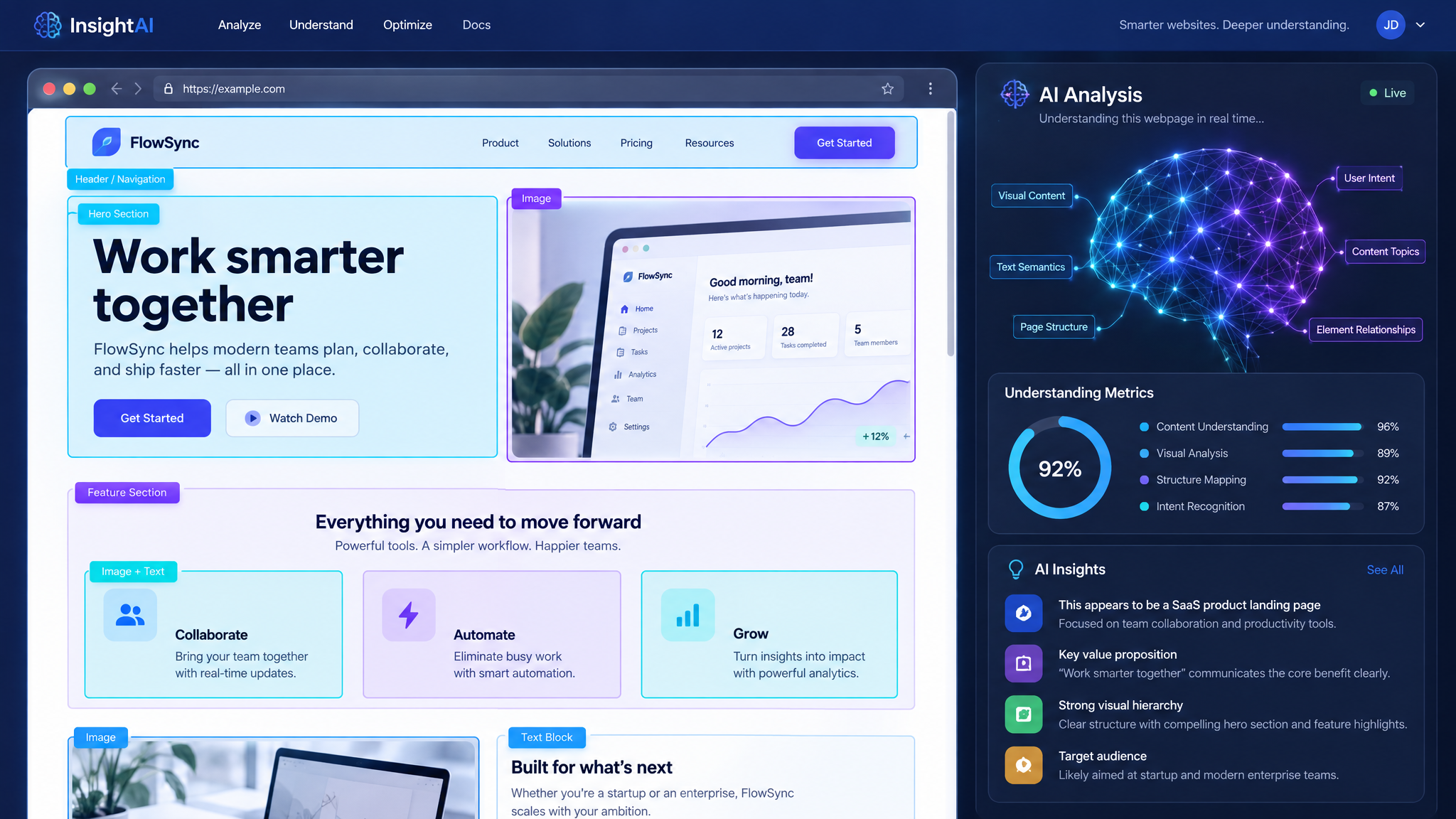
Our AI reads any webpage URL and instantly extracts the audience profile, business objectives, key topics, and suggested interactive options. No manual copywriting required — just paste and go.
AI Avatar Videos
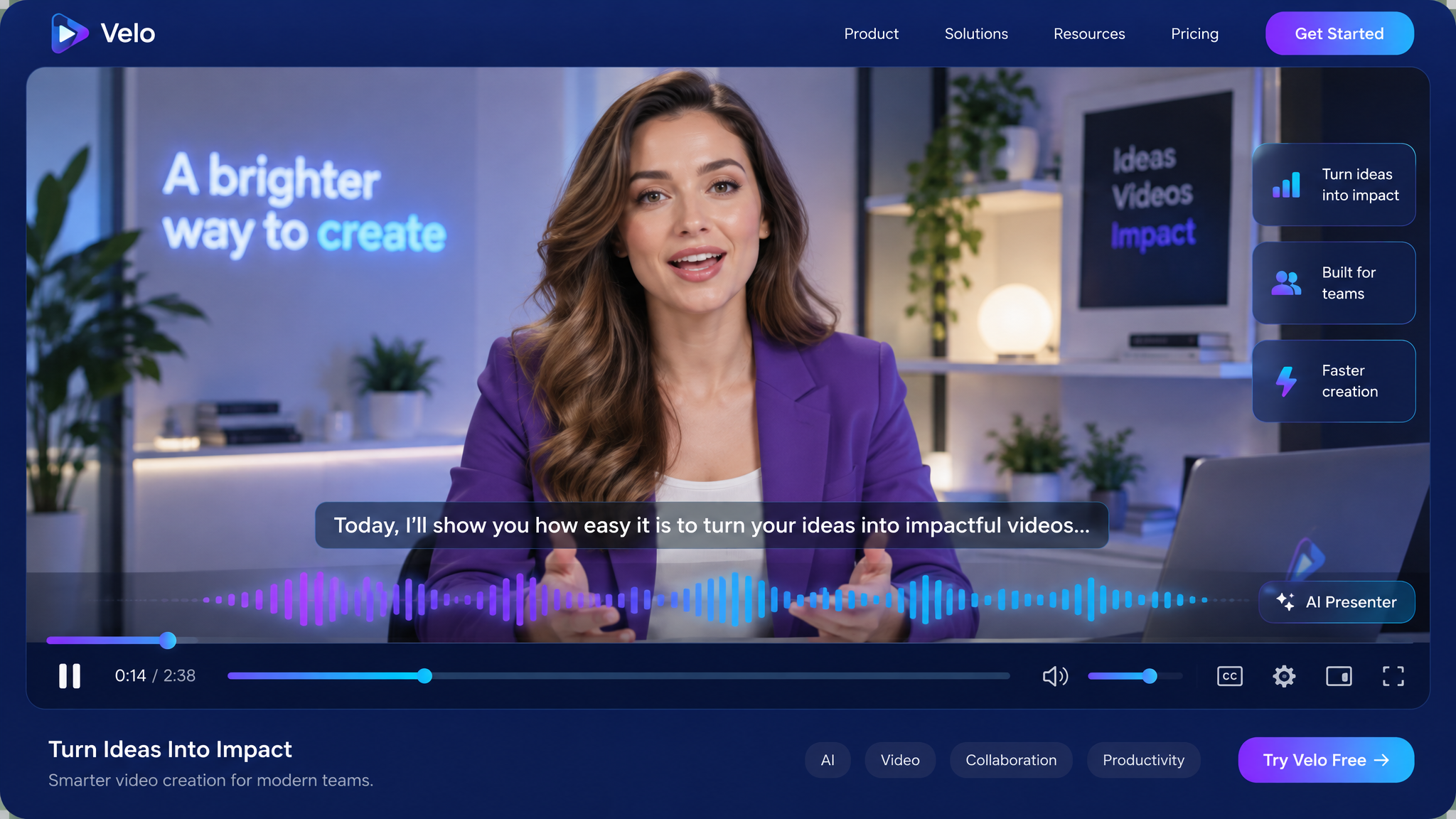
Choose from 12+ realistic AI avatars spanning Indian, Western, Middle Eastern, and British profiles. Multiple voices and accents available. Generate studio-quality videos in minutes, not days.
Visual Flow Builder
Our drag-and-drop canvas lets you design interactive branching journeys. Add video nodes, choice prompts, name personalisation, lead forms, and more — all connected with beautiful animated edges.
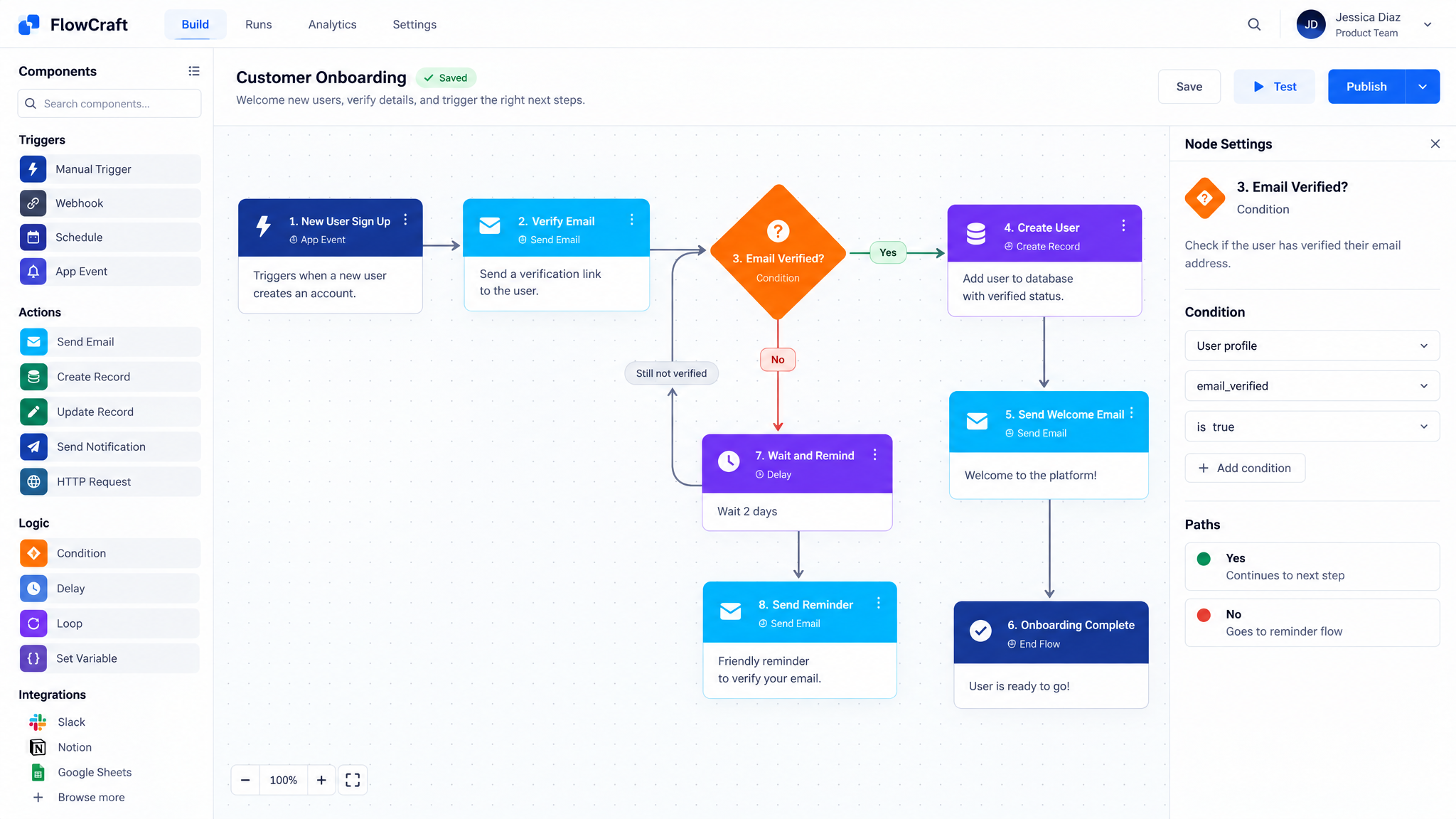
Name Personalisation
Visitors type their name and every subsequent interaction greets them personally. Level 2 personalisation generates short avatar clips saying "Thanks, [Name]!" for an unforgettable experience.
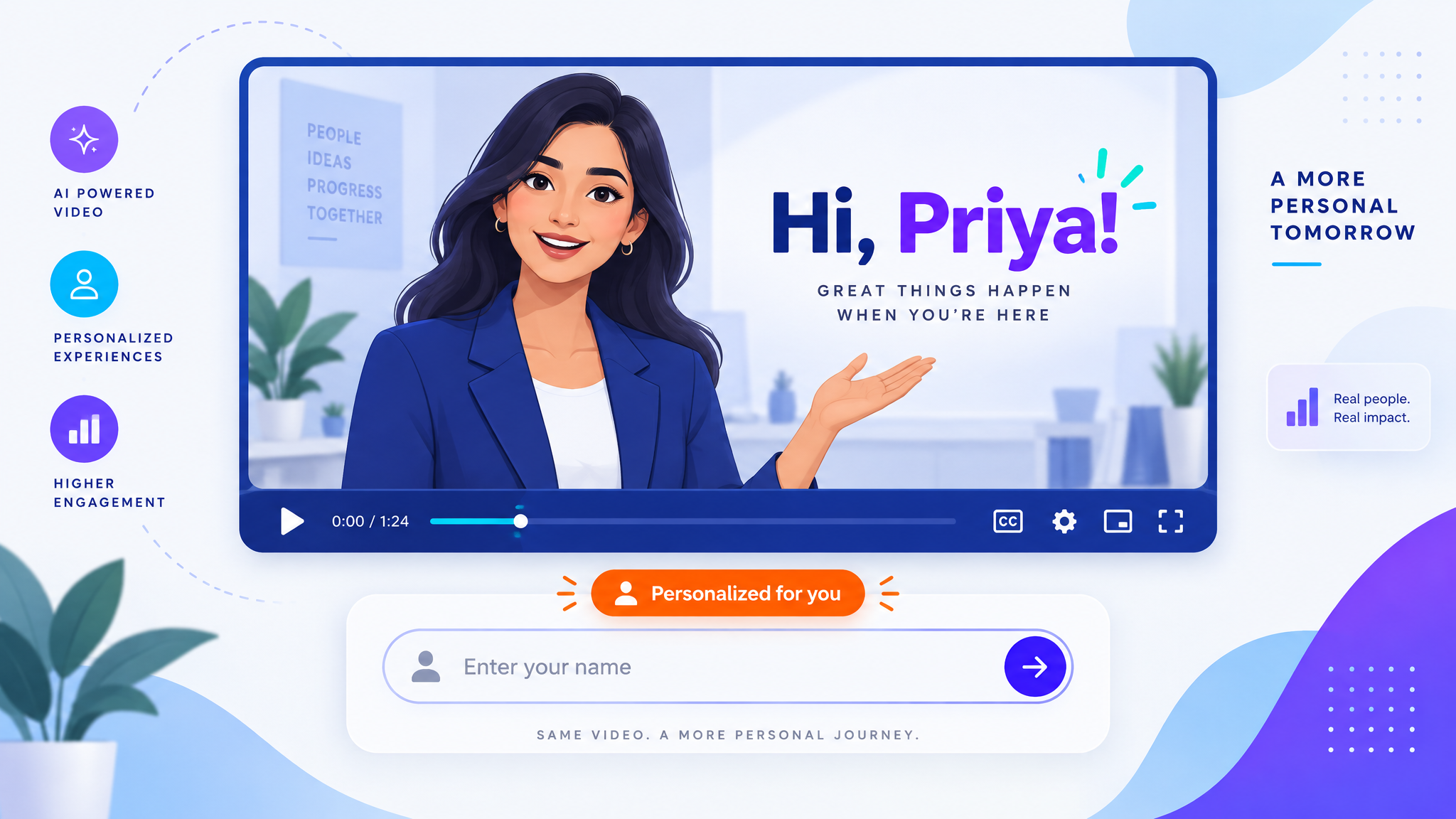
Smart Lead Capture
Embed lead forms naturally into the video journey at the moment of highest engagement. Capture name, email, phone, and custom enquiry fields. Every lead comes with full session replay data.
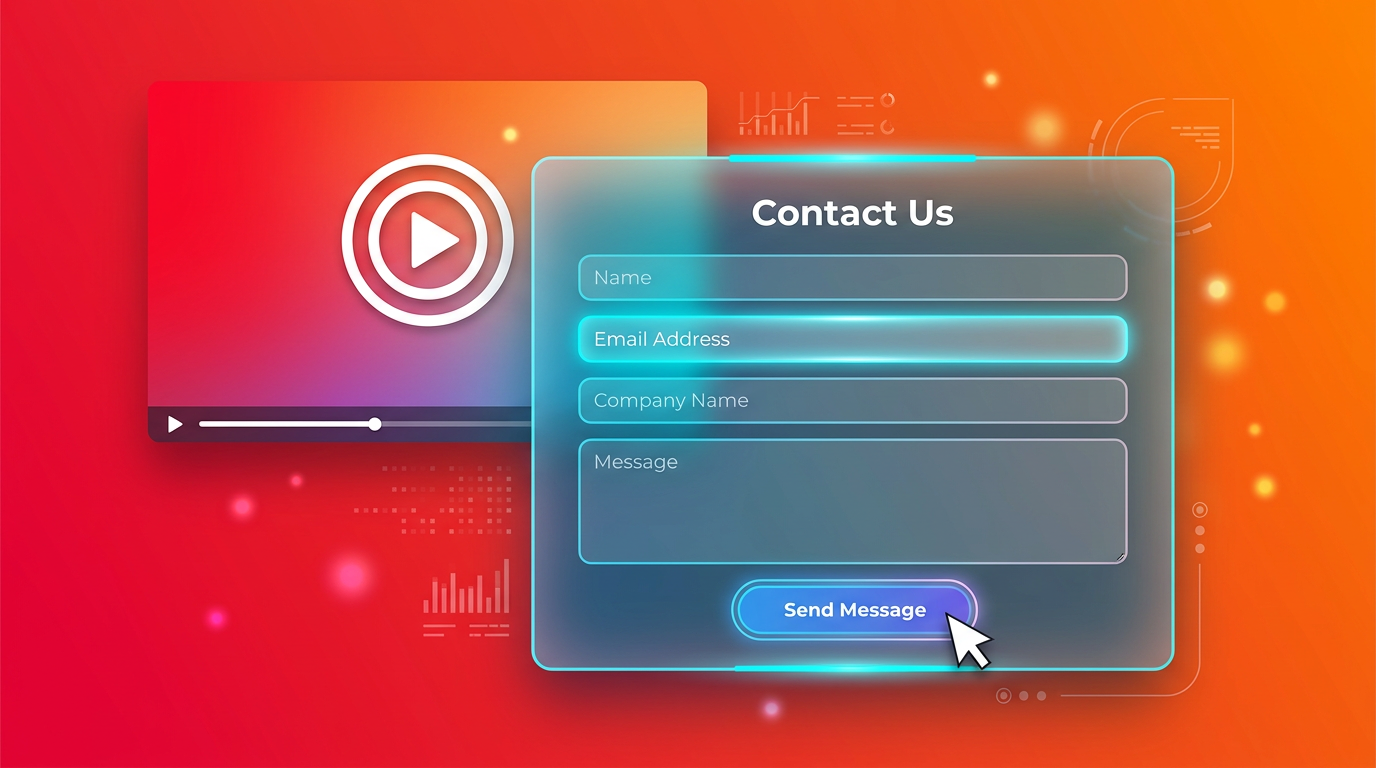
One-Tag Deployment
A single script tag is all you need. Our embed SDK auto-detects the page, loads the right flow, and handles video playback, interactions, and analytics — all without affecting page performance.
Real-Time Analytics
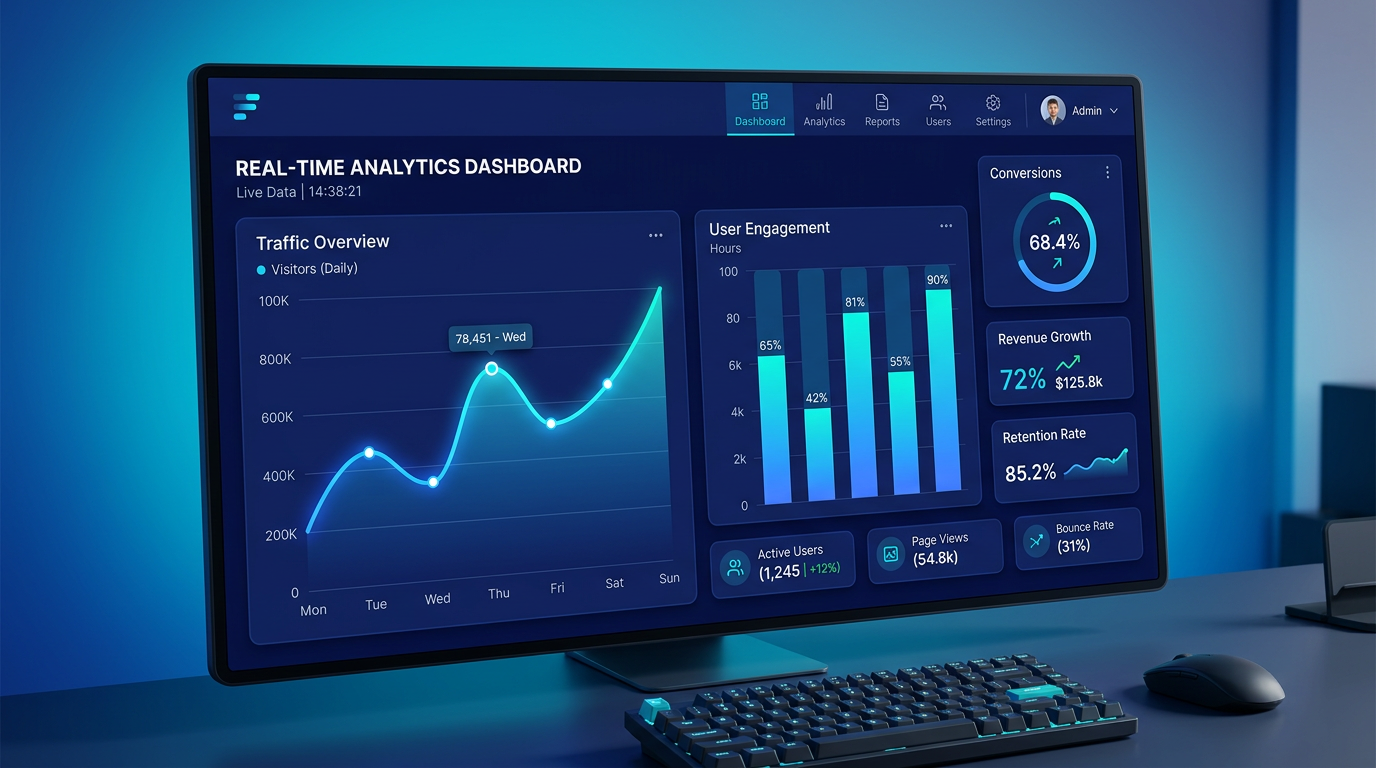
Track every interaction: flow starts, video completions, choice selections, lead submissions, and drop-off points. Beautiful charts show conversion funnels and engagement trends.
Enterprise Security
Multi-tenant isolation, encrypted credentials, JWT authentication, rate limiting, input sanitisation, CSRF protection, and comprehensive audit logs for every sensitive operation.

Video Branding
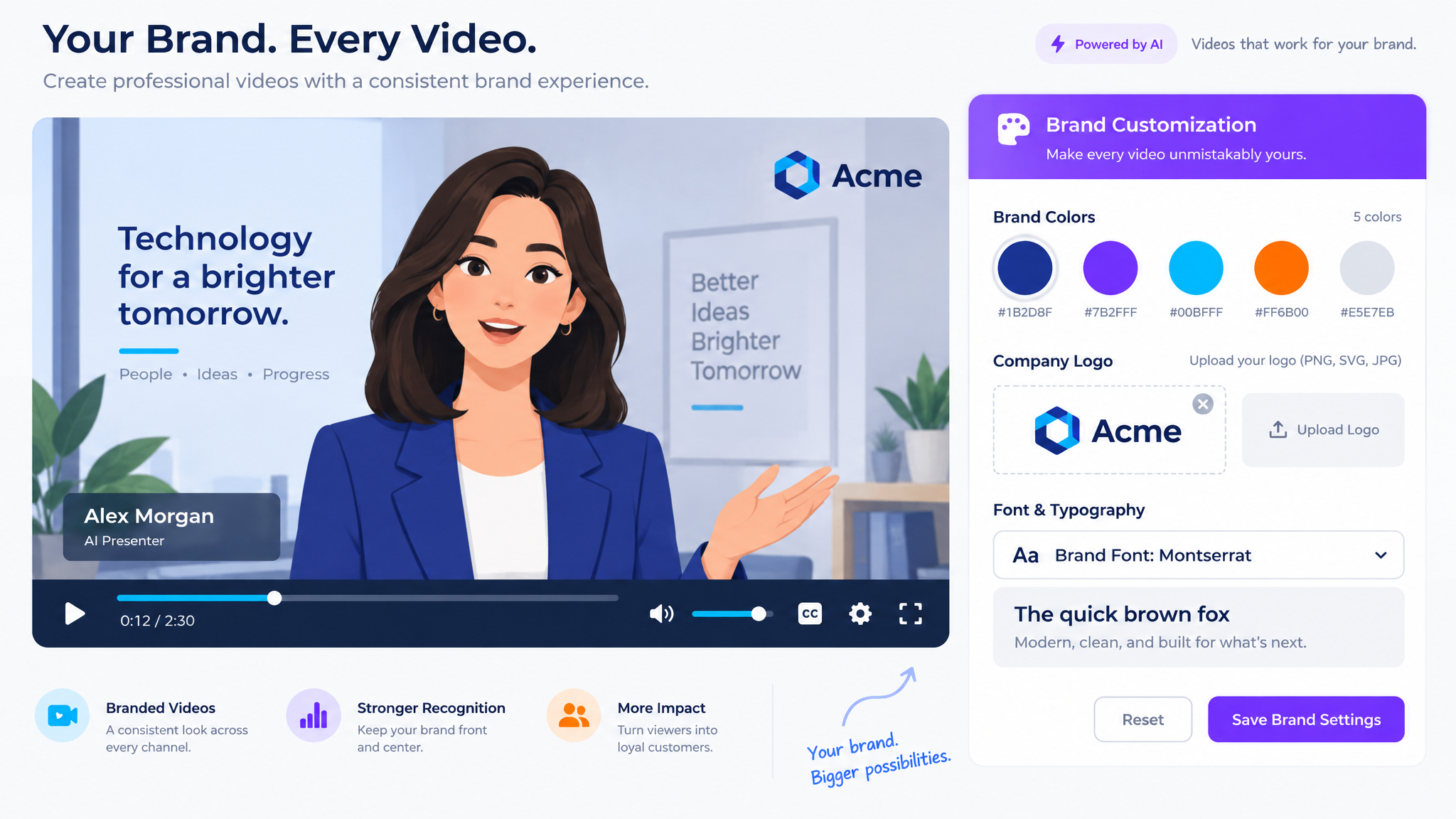
Match every video to your brand. Set primary and secondary colours, choose overlay fonts from Google Fonts, and optionally add your logo — applied automatically to all generated videos.